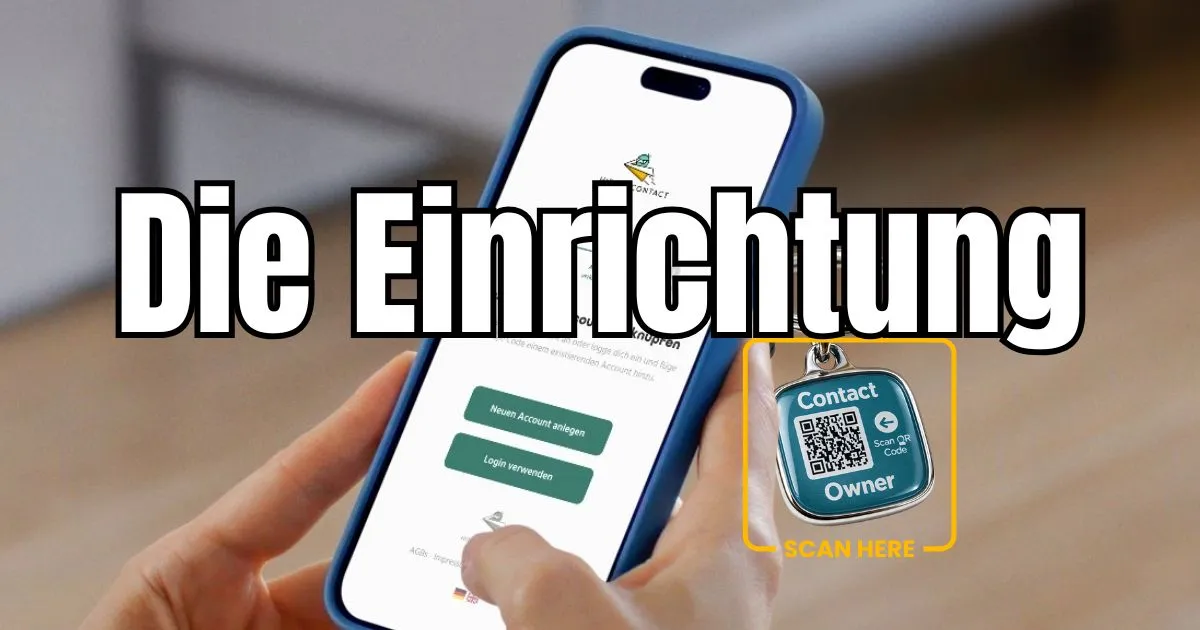
You've received your hiddencontact tag – and you're wondering exactly how the setup works? No worries: the entire process takes less than 5 minutes and you don't need an app, any technical knowledge, or an account with a third-party provider.
Just your hiddencontact tag and a smartphone. Setup starts directly with the first scan.
Step 1: Scan the QR code – the first scan starts registration
Simply scan the QR code on your tag or product. You'll be guided through the setup automatically – just follow the steps. No separate activation code, no manual entry.
Step 2: Set up your public profile
Add any information you want visible when scanned – completely self-determined. You decide what's open: a first name, a return request, a finder's reward note, or for SOS profiles, voluntary emergency information like blood type or allergies. What you don't share stays invisible.
You can adjust the public profile at any time afterwards – no new tag needed.
Step 3: Set up anonymous forwarding
Enter your preferred channel: WhatsApp, SMS, call, or email. hiddencontact notifies you anonymously, securely, and in real time – the finder never learns your number or address.
Step 4: Optional upgrade or use for free permanently
With the BASIC plan, hiddencontact is free to use permanently – no expiry date and no hidden costs. If you want more, you can upgrade at any time: more channels, extended profile options, and additional features are available in the paid plans.
BASIC is free. PLUS and PREMIUM from €5.99 per year. View pricing →
Done in under 5 minutes. If you have questions about the setup, our support team is happy to help – via the in-app chat or by email.
Frequently asked questions
Do I need an app for setup?
No. Setup runs in the browser: scan the code, create or open your account, choose a forwarding channel and save the profile.
Can I manage several products in one account?
Yes. Additional codes can be added to the same account and configured with their own profile information and forwarding routes.
Can I change settings later?
Yes. Contact channels, released profile details and notes can be updated in the account after activation.


